About us
Welcome to roodoc.com
At roodoc.com, we help you find quality rooms using cities and categories for short trip, a business purpose , or a accommodation for a job purpose, we Link you with comfortable, and reliable rooms to suit your needs.
Why Choose Us?
# We provide a wide selection of rooms in key cities and popular destinations in the world, making it easy for you to find the best place.
# We carefully check rooms that it is comfort, clean and there are other services such as parking etc.
# Our friendly customer support team is always here to help you with any question.
We ensure:
At roodoc.com, we expect to provide more rooms/accormadatipn for different cities.
How to singup
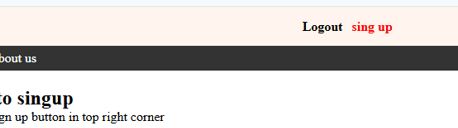
Step 01: Click singn up button in the top right corner
Step 02:
🠺 Select the radio button to know who is the owner
🠺 Enter valied Email address (better gmail)
🠺 Enter Username with minimum 8 characters (better gmail)
🠺 Enter Password (It must be contained Capital etters, simple letters and numbers. minimum 8 )
🠺 Confirm password
🠺 You should check the reCAPTCHA to confirm that you are not a robot
🠺 Click Sing up button
🠺 you will be recieved an email link to activate your account. Go to inbox in your email address
🠺 Click the verification link
🠺 You can see your username to right corner of the home page.
Forgot password/Change existing password
🠺 Click login button.
🠺 Click forgot password.
🠺 Type Email address.
🠺 Check reCAPTCHA checkbox.
🠺 Click Ok button
🠺 Check your email address and click email verification link
🠺 Add your new password
🠺 Click change password button.
Login to your account
🠺 Click login button at top right corner.
🠺 Type username and Password.
🠺 Click Login button.
Logout from the account
🠺 Click the logout button top right corner.
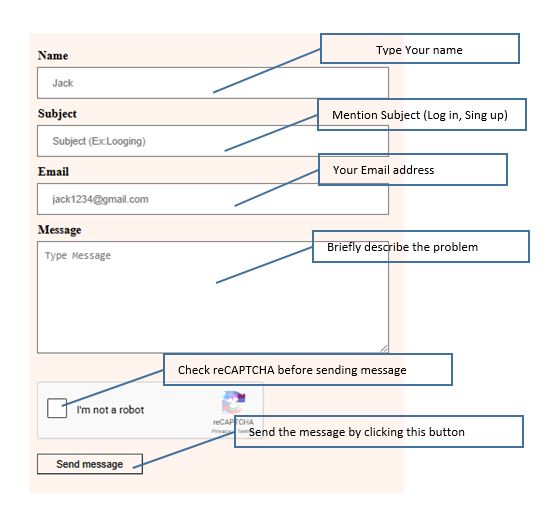
Send a message to Customer support team
🠺 Click Contact us tab in the navigation bar
🠺 Follow this image to send a message
🠺 You will be replied as soon as posible after receiving your message
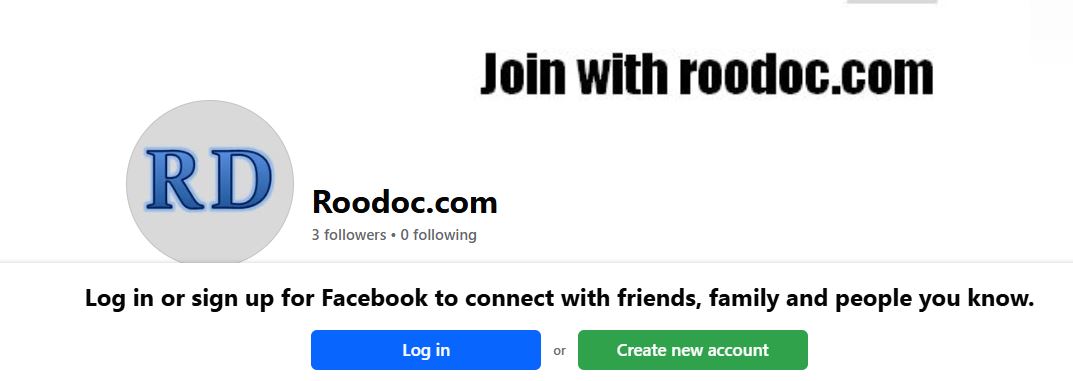
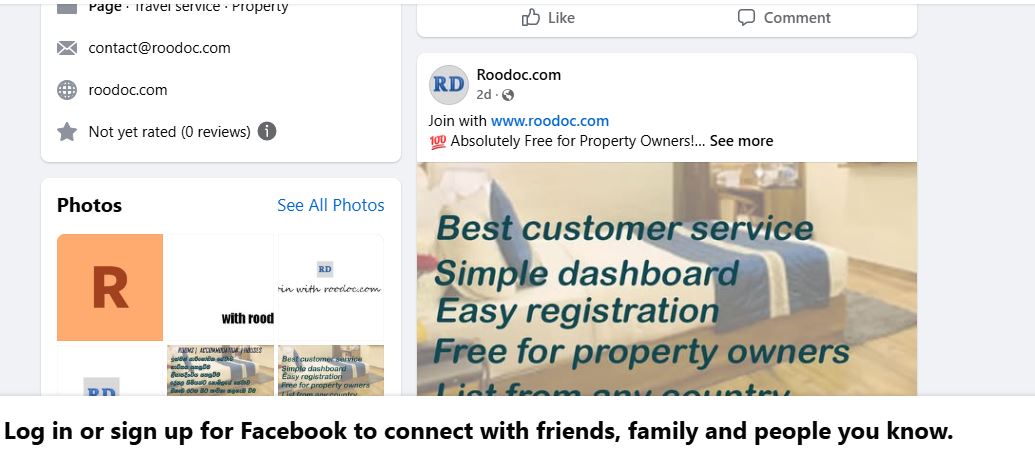
Follow the official Roodoc.com Facebook page as shown below
🠺 Follow this image to send a message
🠺 Click the Facebook button in the top-left corner.
🠺 Log in to your Facebook account if you are not already signed in.
🠺 Follow the page to show latest post
Visit our Facebook Page
How to Active subscription plan.
➤ Sing in your account
➤ Click the User Plan button in the navigation bar
➤ Select your preferred plan
➤ Enter your debit or credit card details
➤ Comfirm the payment
🔒 Secure Payment Notice: All payments are processed through a secure and encrypted payment gateway. Your card details are protected and never stored on our servers.